

GENERATE EWAY BILL THROUGH MOBILE APP
Yes you heard it right..E way bill can be generated through an APP. Let us learn how to do it.
Step 1 – Download the E way bill APP

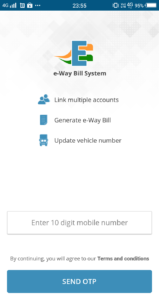
Step 2 – Enter your mobile number. Mobile number will be verified by an OTP
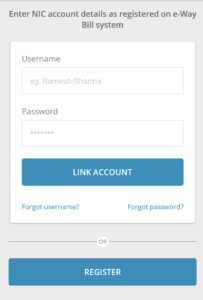
Step 3 – If you are already registered on E way system then LOGIN with your username and password. If you are not registered then click on ‘Register. After clicking on ‘Register’ enter your GST no. and create username and Password
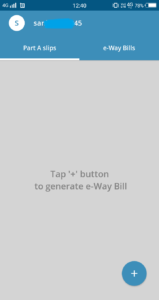
Step 4 – Now to generate E way bill tap ‘+’ button.
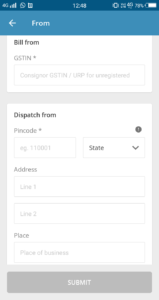
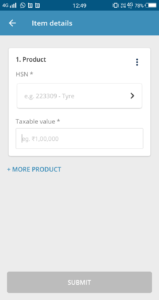
Step 5 – E way bill entry form will be displayed containing

- Transaction details

- From – to
- Item details
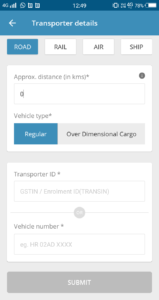
- Transporter details
BY ROAD
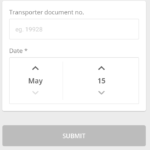
BY RAIL

BY AIR
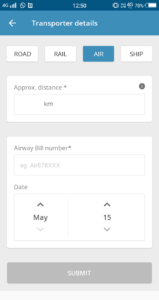
BY SHIP
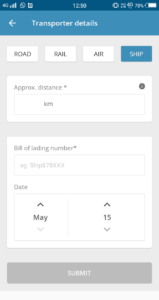
Step 6 – After completing the form click on ‘Submit’
This way E way bill can be created anywhere and anytime.
[button color=”” size=”” type=”round” target=”” link=”https://thetaxtalk.com/”]home[/button] [button color=”” size=”” type=”round” target=”” link=”https://thetaxtalk.com/submit-article-publish-your-articles-here/”]Submit Article [/button] [button color=”” size=”” type=”round” target=”” link=”https://thetaxtalk.com/discussion-on-tax-problem/”]Discussion[/button]

